移动端键盘表现

键盘弹出的表现

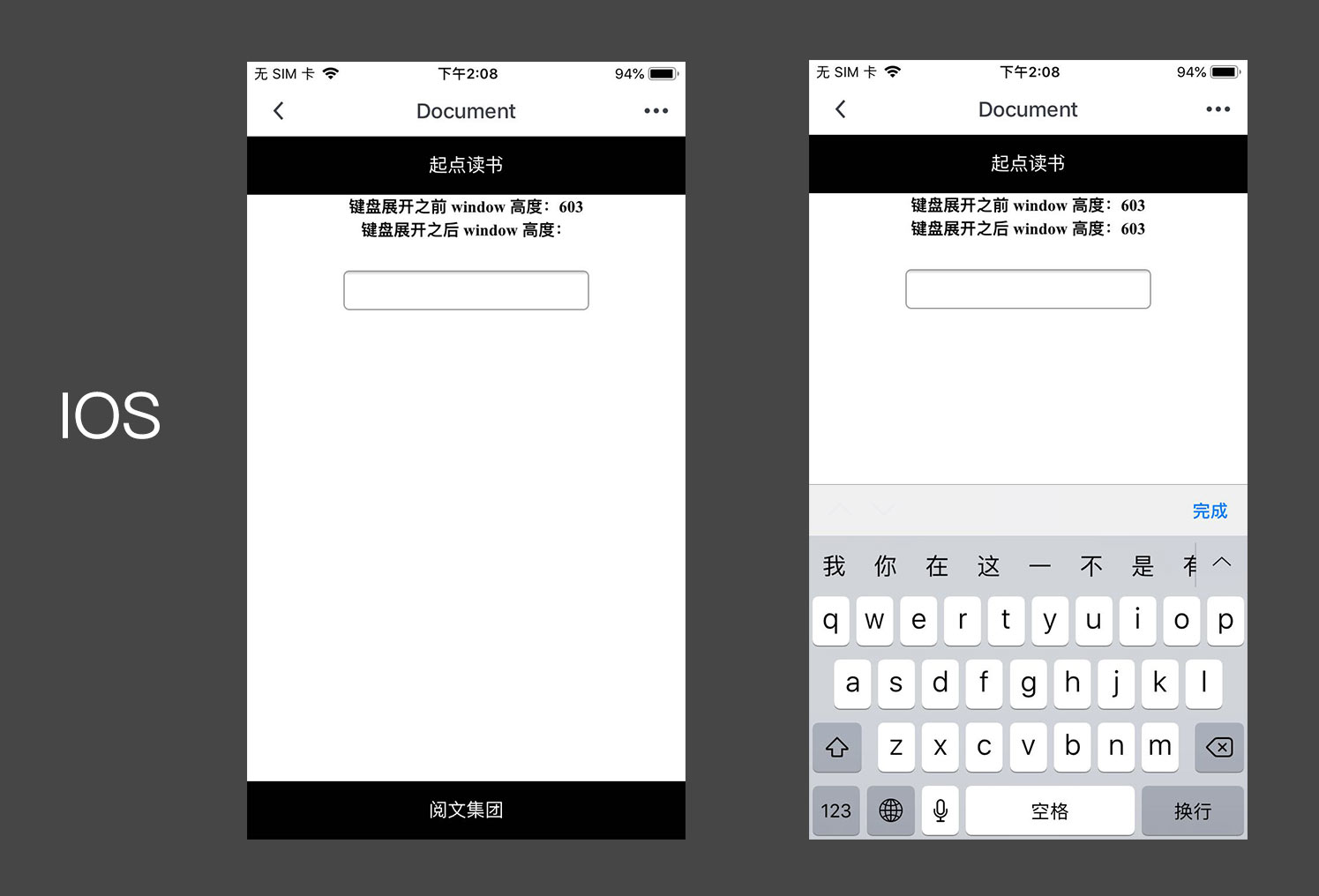
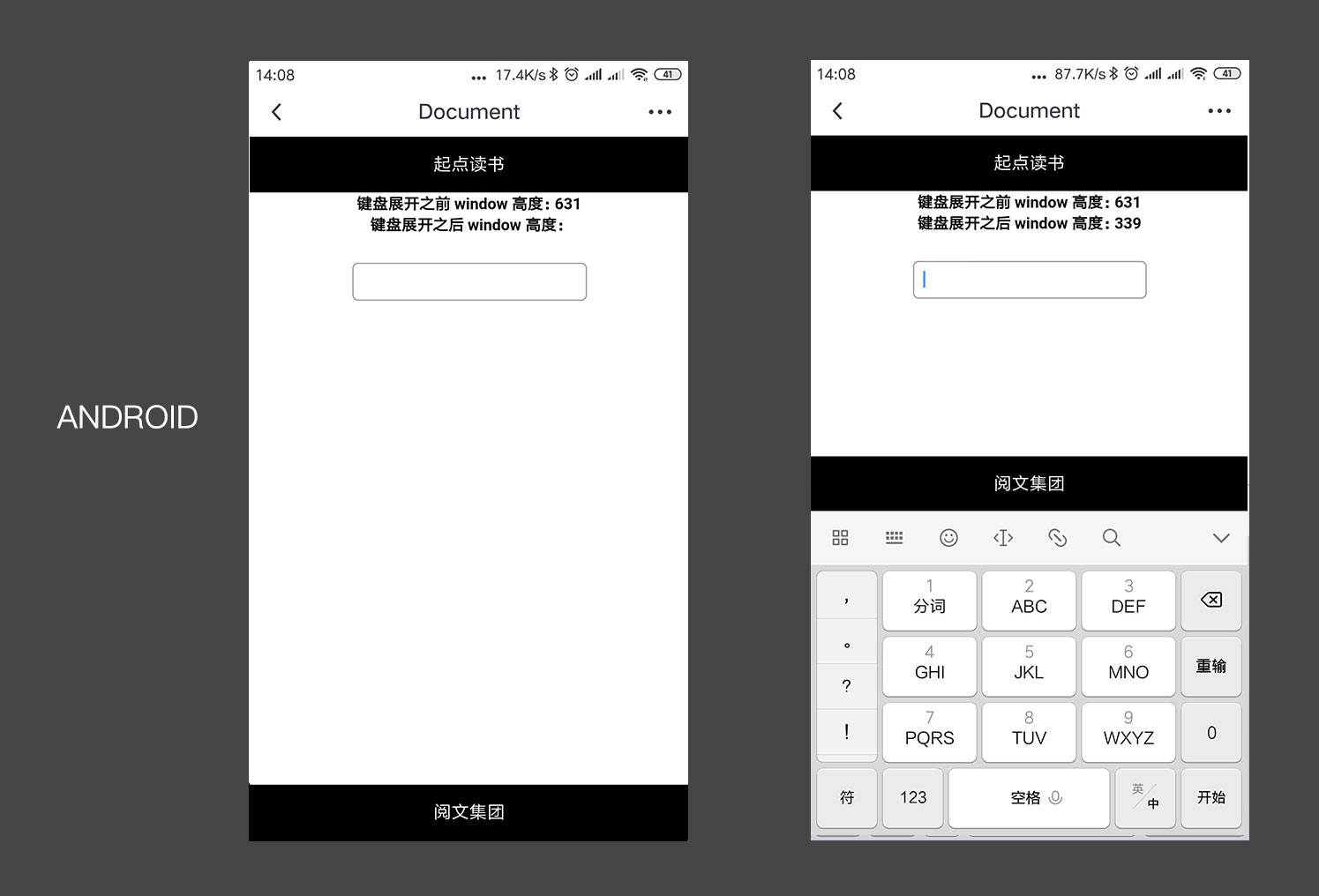
头部及中间输入框处于正常的文档流,底部元素 fixed bottom;头部处于正常的文档流,输入框脱离文档流,底部元素 fixed bottom。

  • IOS(12.1.4)
    ios1.jpg
  • Android(8.0)
    android1.jpg

IOS 页面高度始终不变,页面可以滚动,底部元素被遮挡,基线不变;
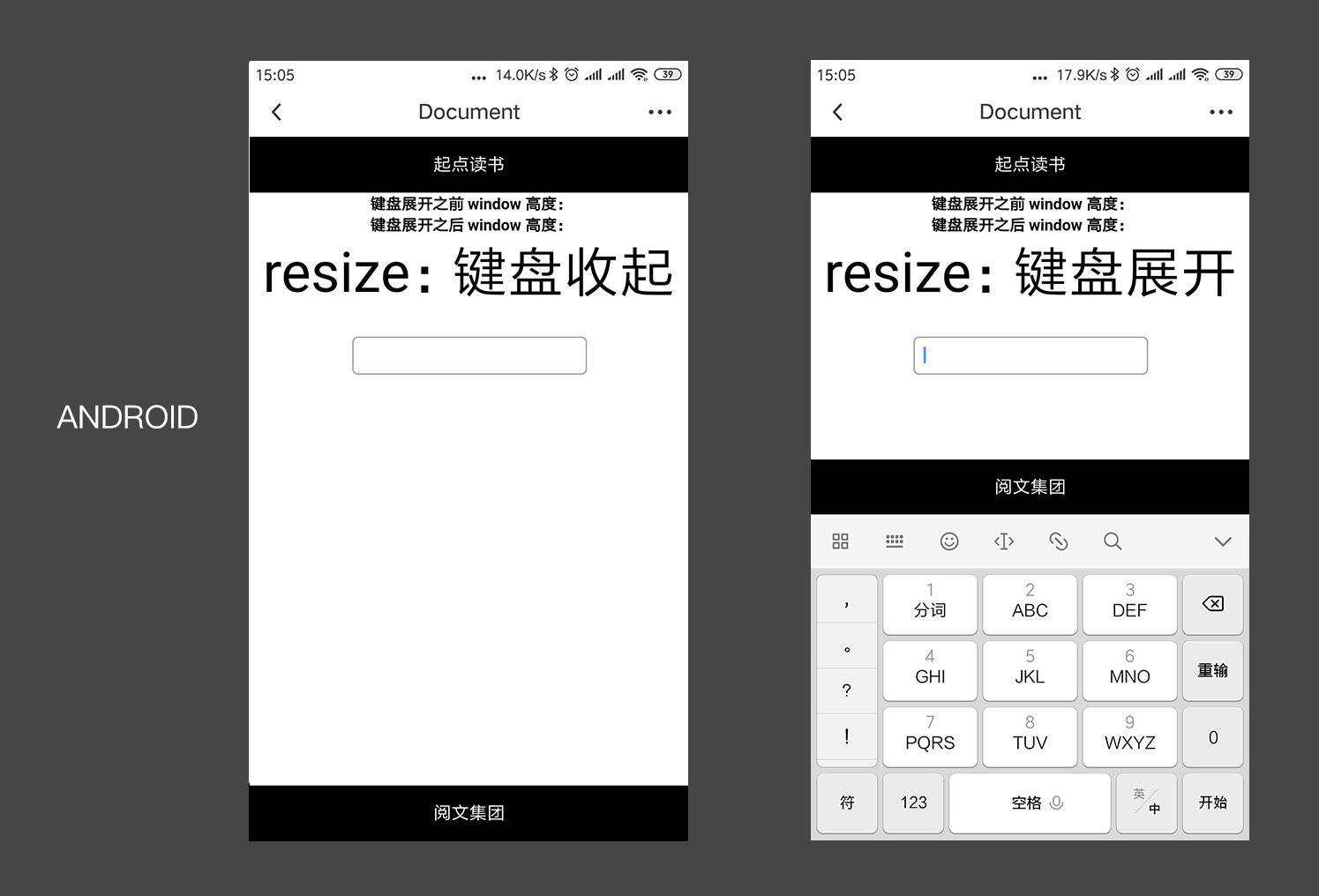
Android 页面高度减少,页面可以滚动,fixed 元素的 bottom 属性的基线为键盘;

键盘事件

键盘弹出

  • IOS(12.1.4)

    1
    2
    3
    4
    5
    // 监听输入框的 focus 事件
    const input = document.getElementById('input');
    input.addEventListener('focus', () => {
    console.log("弹出")
    }, false);
  • Android(8.0)

1
2
3
4
5
6
7
8
9
10
11
12
13
14
// 监听输入框的 focus 事件
const input = document.getElementById('input');
input.addEventListener('focus', () => {
console.log("弹出")
}, false);

// 监听 webview height 的变化
const originHeight = document.documentElement.clientHeight || document.body.clientHeight;
window.addEventListener('resize', () => {
const resizeHeight = document.documentElement.clientHeight || document.body.clientHeight;
if (resizeHeight < originHeight) {
console.log("弹出")
}
}, false);

键盘收起

  • IOS(12.1.4)

    1
    2
    3
    4
    5
    // 监听输入框的 blur 事件
    const input = document.getElementById('input');
    input.addEventListener('blur', () => {
    console.log("收起")
    }, false);
  • Android(8.0)

1
2
3
4
5
6
7
8
// 监听 webview height 的变化
const originHeight = document.documentElement.clientHeight || document.body.clientHeight;
window.addEventListener('resize', () => {
const resizeHeight = document.documentElement.clientHeight || document.body.clientHeight;
if (resizeHeight >= originHeight) {
console.log("收起")
}
}, false);

ios2.jpg
android2.jpg

其他已知的一些问题

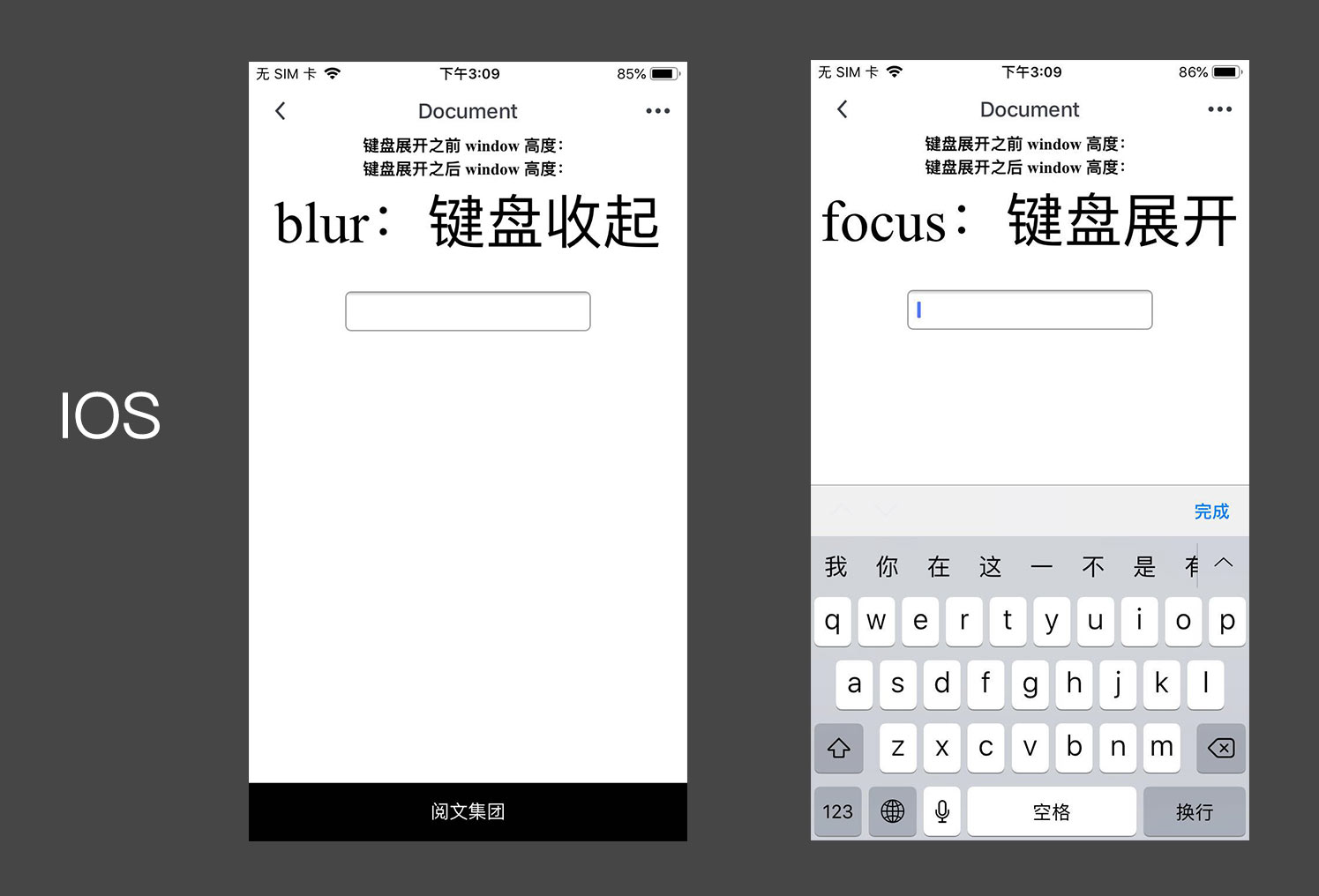
在上文键盘事件 IOS 测试中有个很明显的差别是页面头部的 起点读书 不见了,见下图:
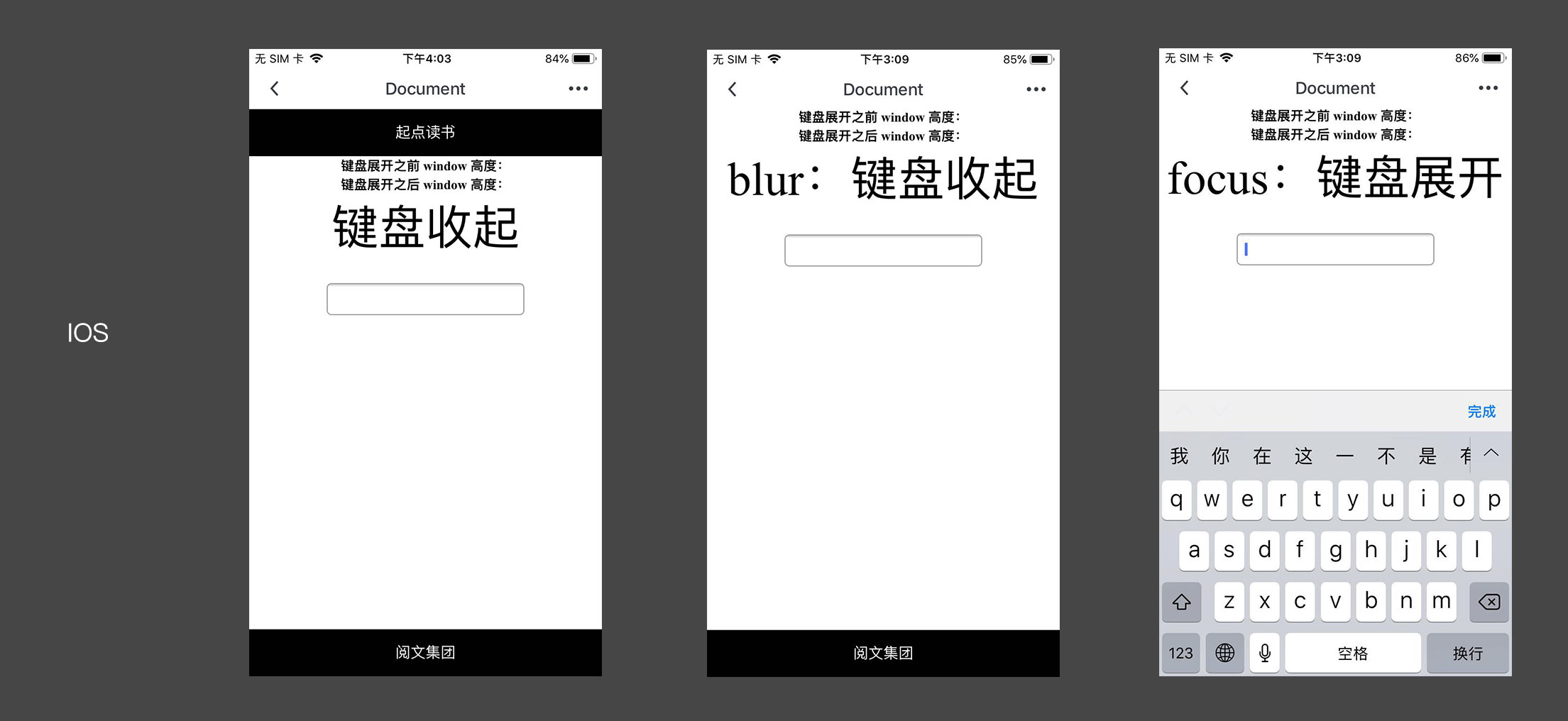
jianpan.jpg
从上图可以发现,当聚焦 input 输入框时候 ios 版本会被整体上推而且键盘收起试并不会恢复具体事例可以查看 运领这篇,也给出了相关解决方案用 JS 记住位移收起时恢复。